bilzie
A closer look at
every little check.
Bilzie keeps subscriptions, invoices, loans, and month-end reports in one calm place. Here is what you will find inside, shown with sample data.
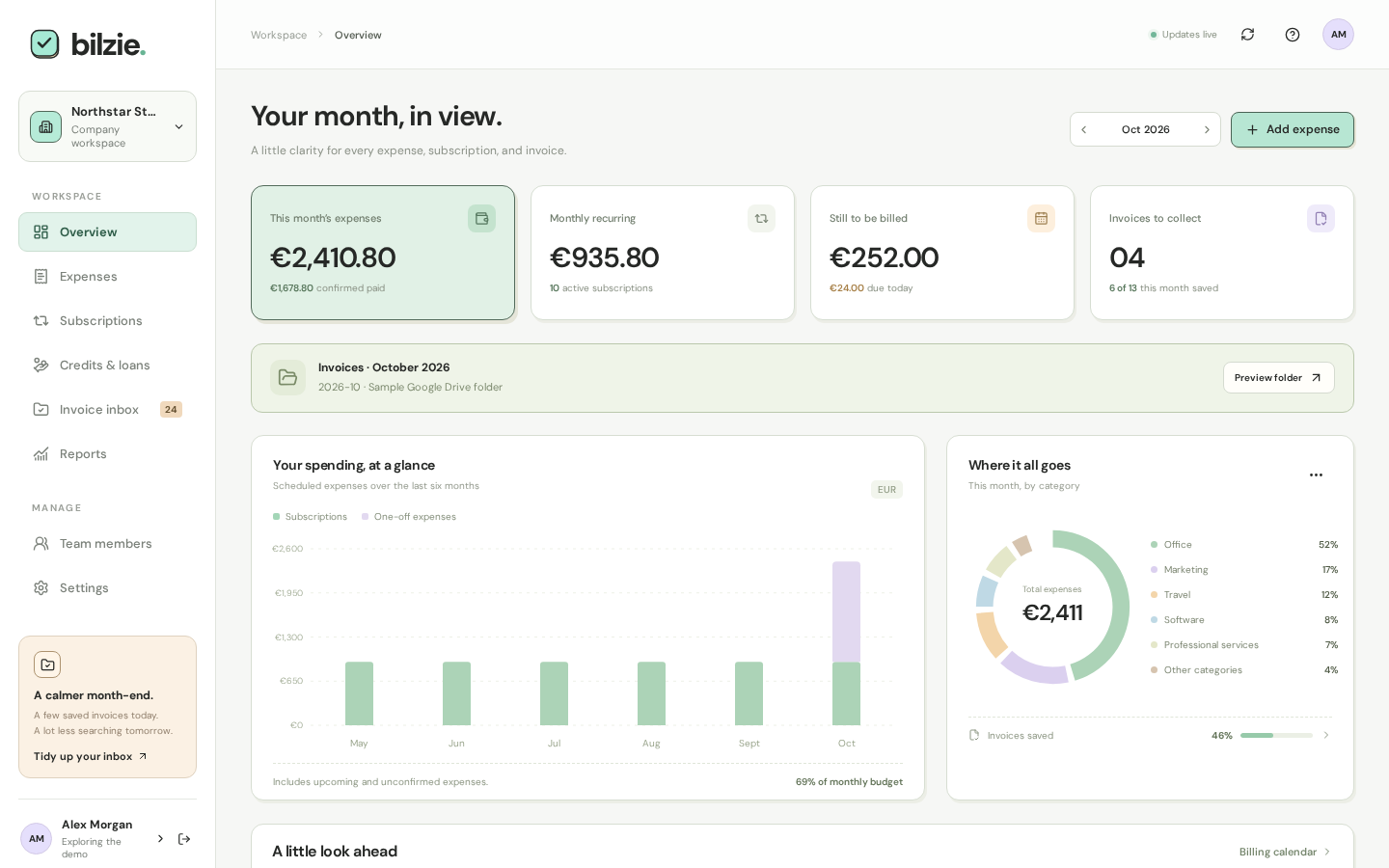
Your month, at a glance.
See what is committed, what is confirmed paid, and what is still coming, before the month gets away from you. Browse any month and switch currency without mixing the numbers.
- Committed, paid, and upcoming amounts side by side
- Category breakdown and six-month spend history
- A billing calendar that follows your workspace timezone
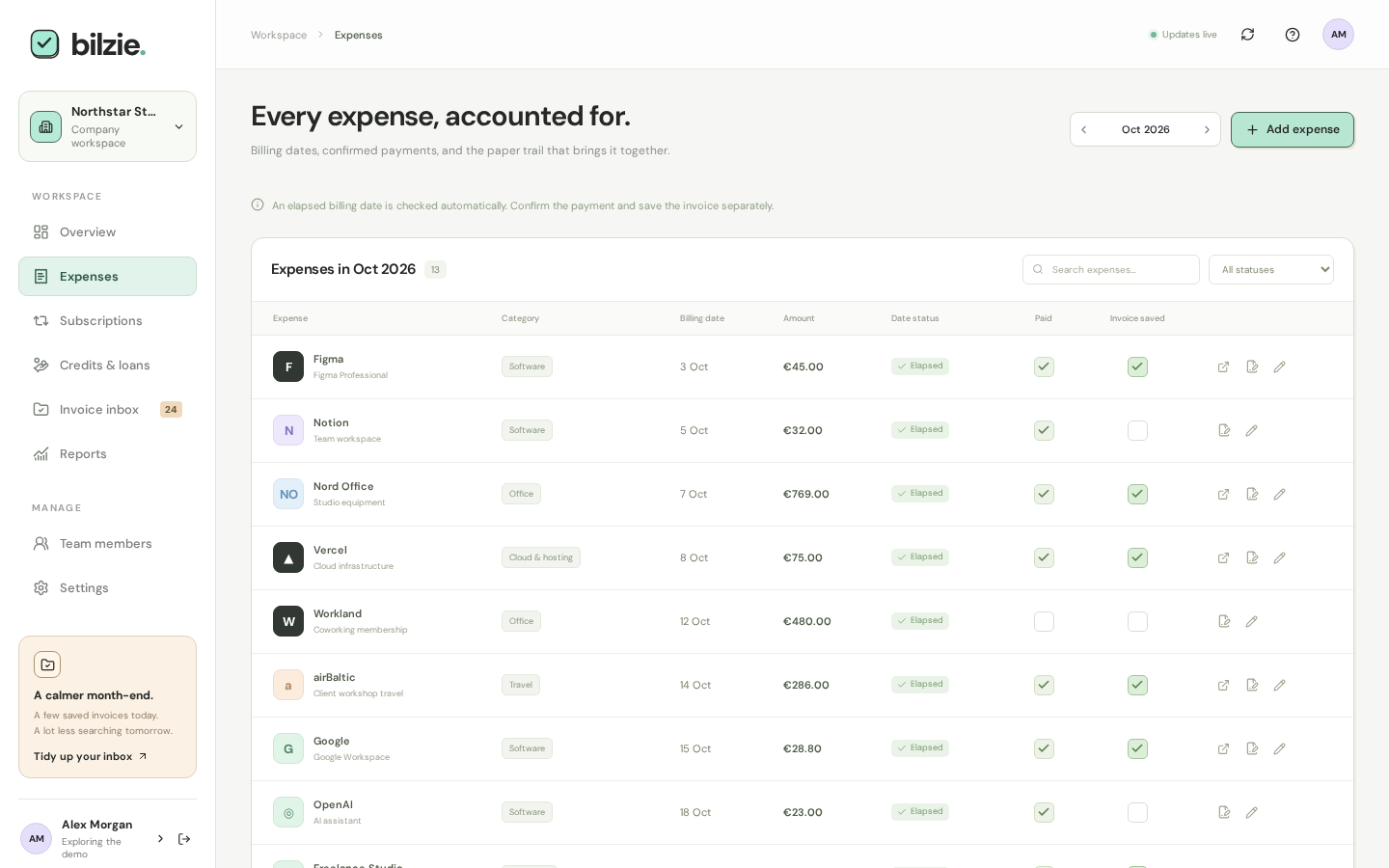
Add it once. It comes around on its own.
Monthly tools, quarterly plans, yearly memberships, and one-time purchases. Every billing cycle gets its own record, so nothing is double counted and nothing is forgotten.
- A bill on the 31st stays on the 31st, even through short months and leap years
- Date, payment, and invoice are three separate checkmarks. A passed date never claims the money was paid
- Price changes apply to future bills while past bills keep what was true then
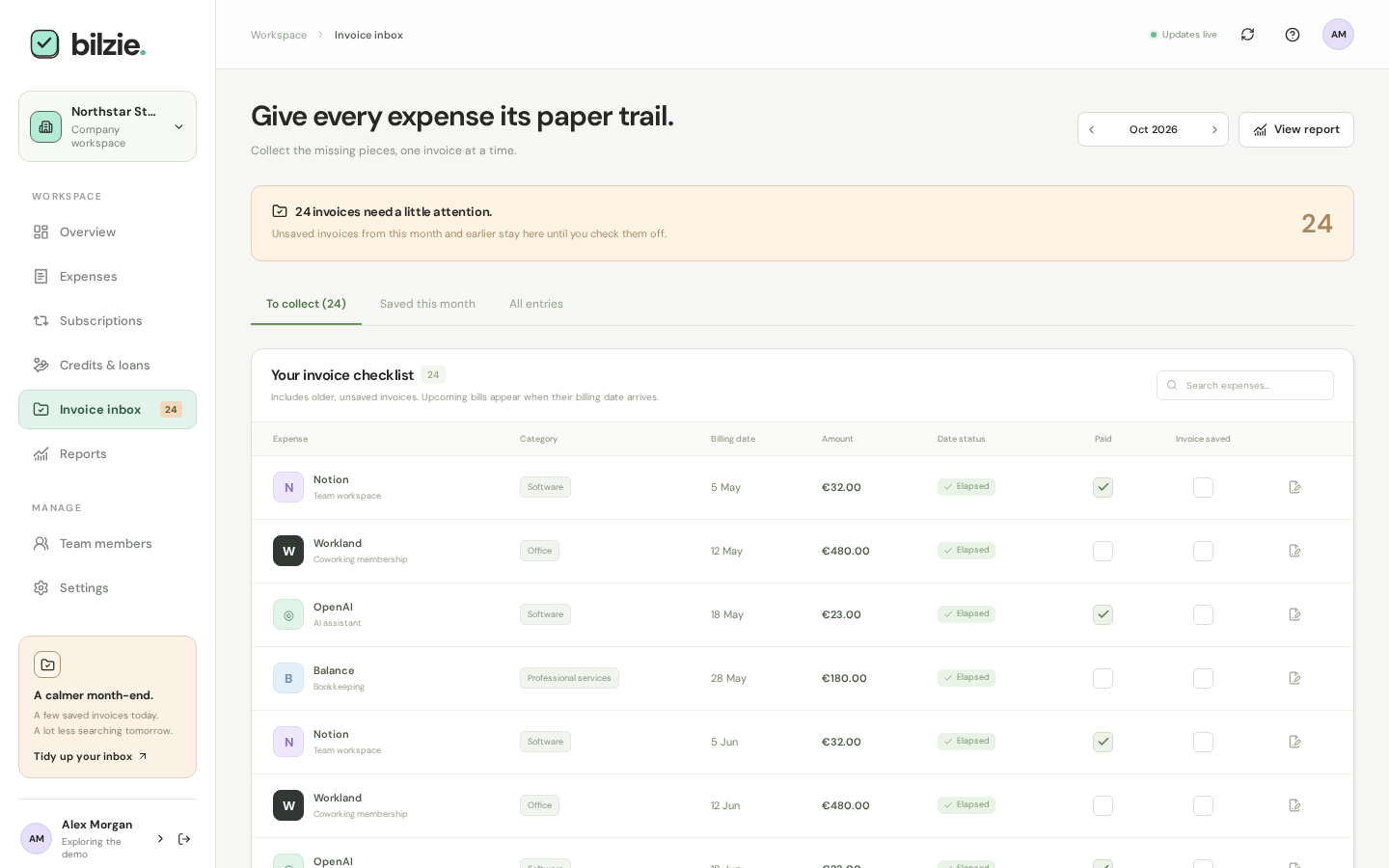
Give every expense its paper trail.
Missing invoices from earlier months stay in your inbox until they are sorted. Record where each one lives, then tick it off when it is actually saved.
- A link and a saved location for every individual bill
- Instructions for finding the invoice, right where you need them
- Optional Google Drive folders created for each month, ready for uploads
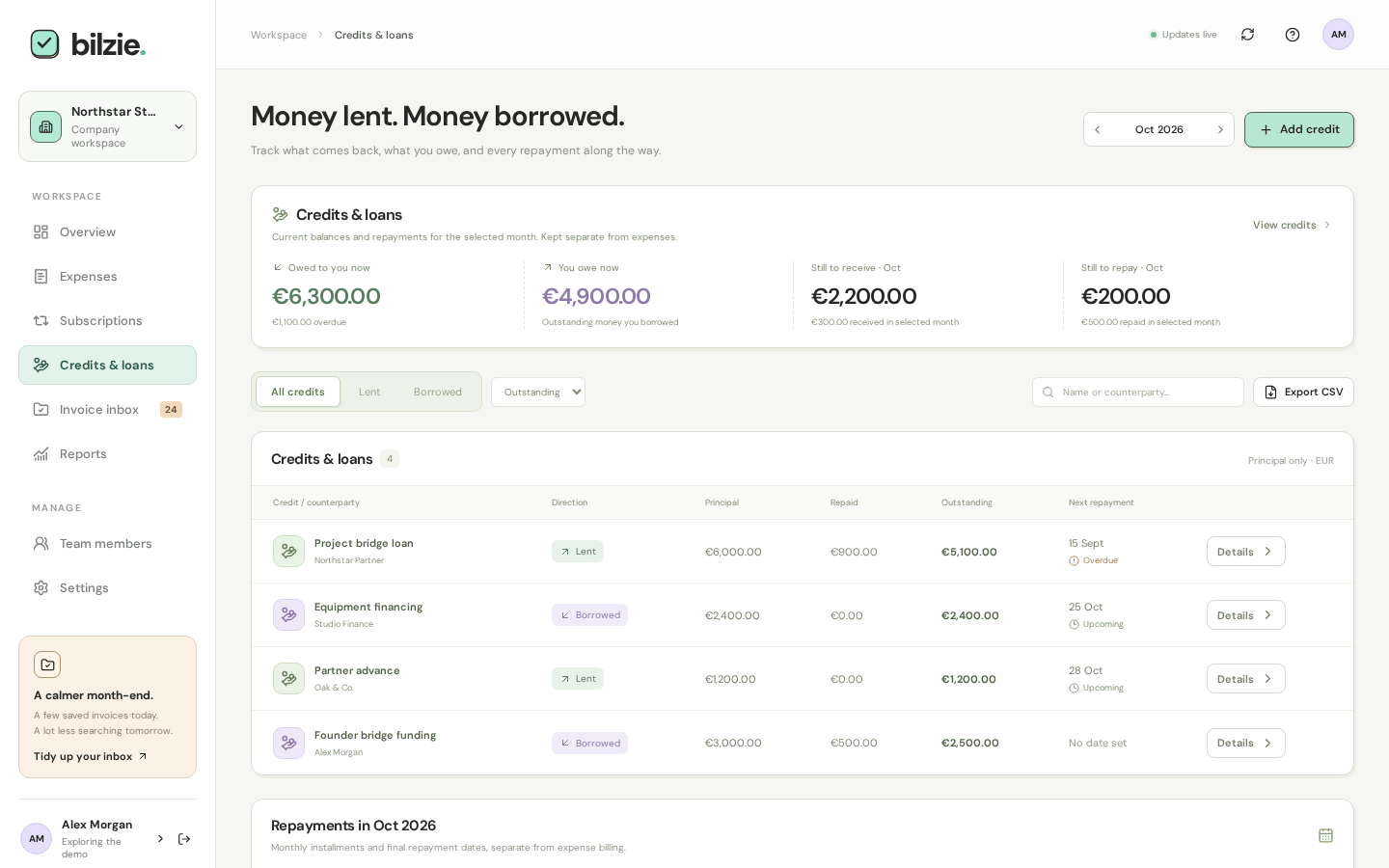
Money lent. Money borrowed.
Keep track of what comes back and what you owe, separate from your everyday spending. Balances only move when you record a real repayment.
- Lent and borrowed credits, kept apart from expense totals
- Monthly installments are optional, with cents split exactly
- Partial and early repayments, with a history you can undo
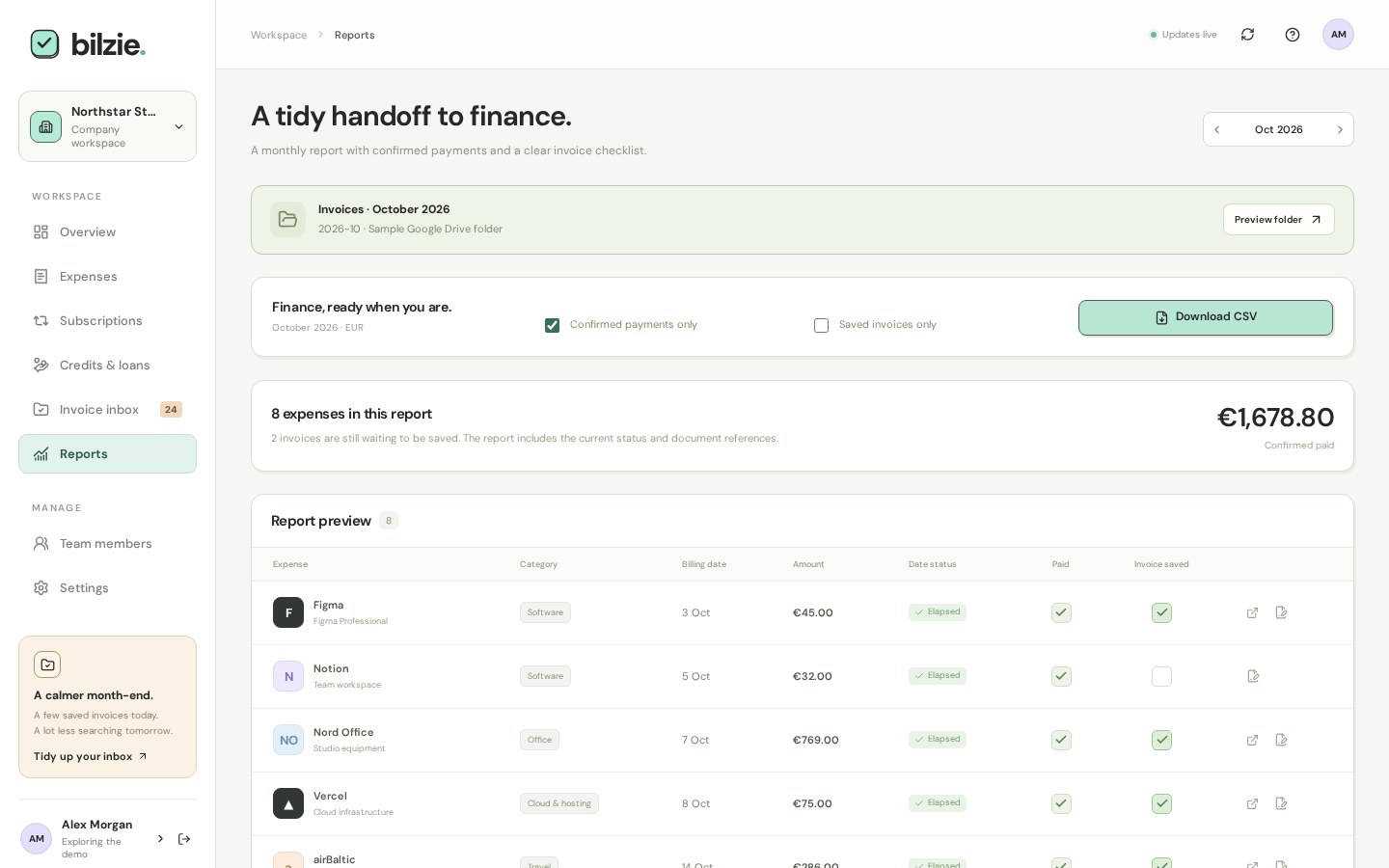
A tidy handoff to finance.
Close the month with a CSV your accountant will thank you for. Export what was confirmed paid, with invoice references, or everything scheduled for planning.
- Confirmed paid expenses with their invoice links
- A clear checklist of invoices still missing
- Credits export separately, so the books stay clean
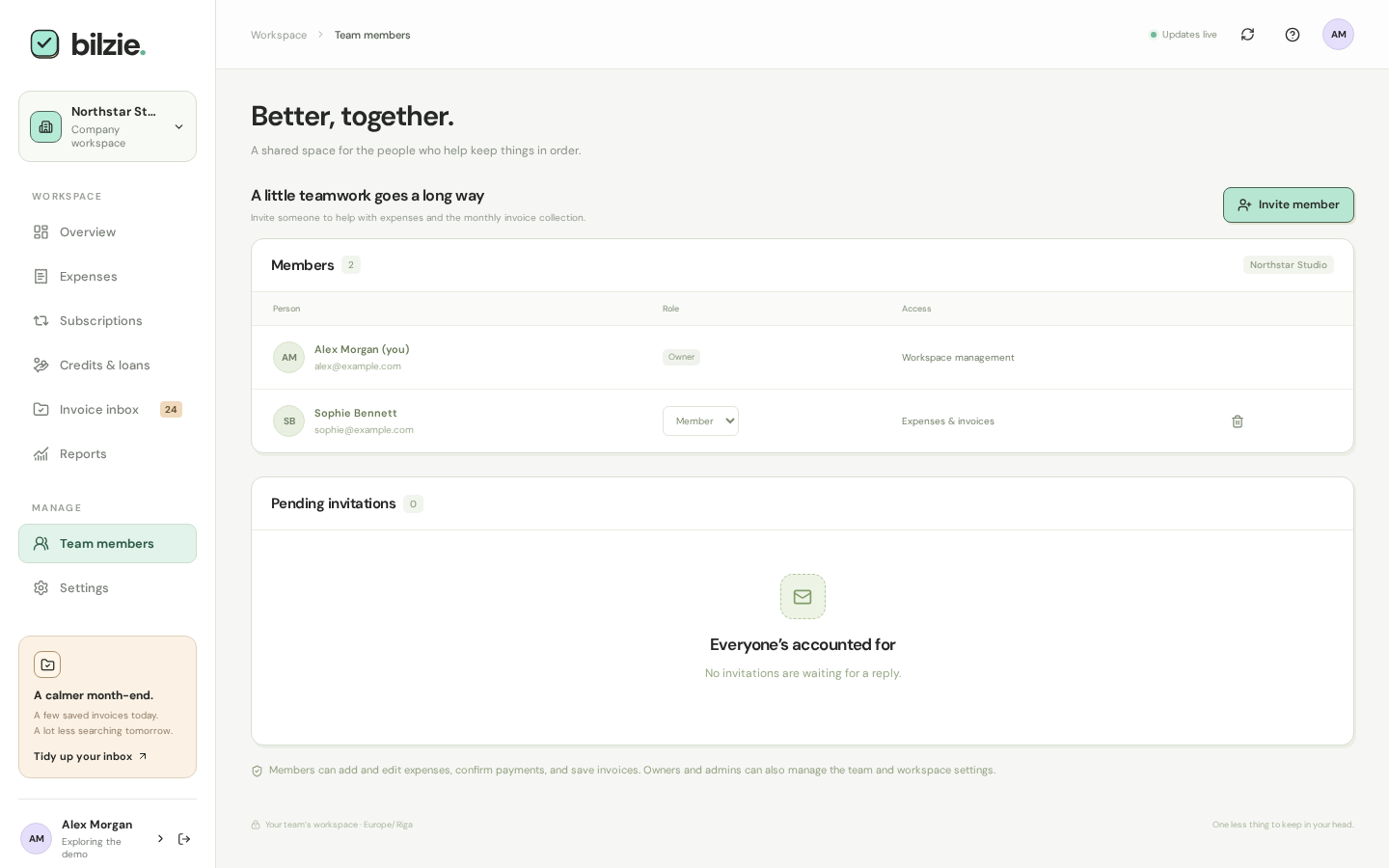
Life here. Work there. Clear everywhere.
One login, as many workspaces as you need. Give your personal life and each company its own currency, timezone, budget, and people.
- Personal and company workspaces under one account
- Owner, admin, and member roles
- Invite the people who help, by email